Idle fees for EV charging: what drivers need to know

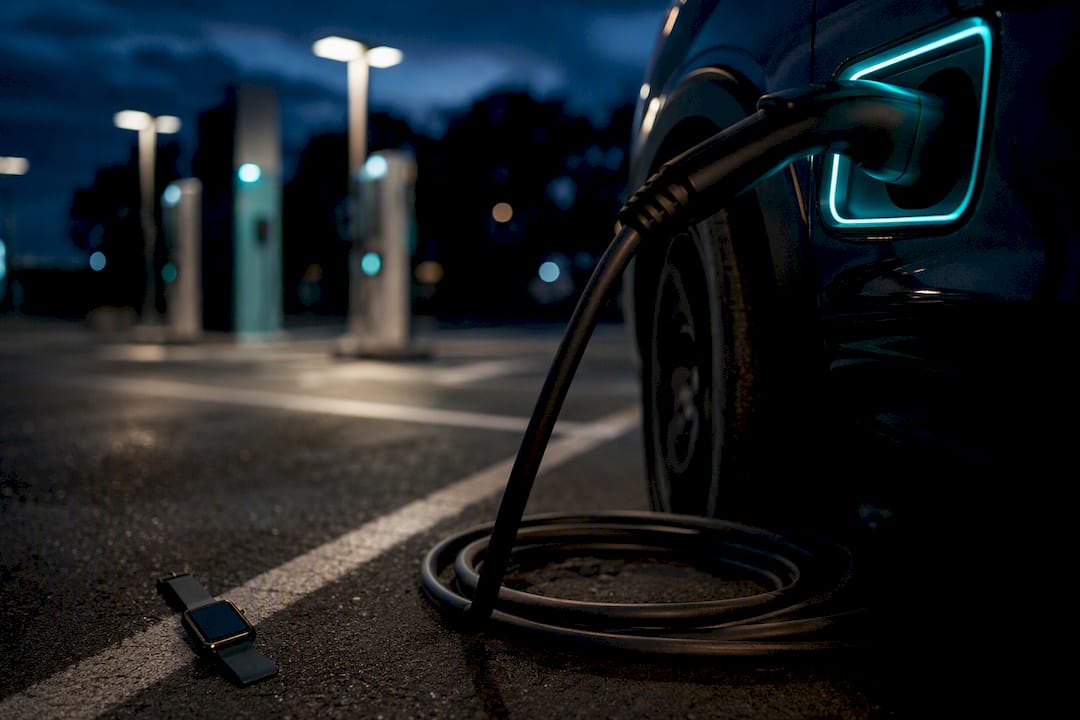
An idle fee is a per-minute penalty charged when your car stays plugged into a charger after the session has finished. Networks apply it to free up bays for other drivers, and it can add up faster than the energy cost itself.
Check the tariff screen before you plug in
Enable push notifications so you know the moment charging completes
Set your car’s charge limit to around 80% for rapid sessions
Pro Tip: Idle fees at busy rapid chargers typically run between $0.40 and $1.00 per minute once the grace period ends, which is often more expensive per minute than the electricity you just paid for.
Key Takeaways
Idle fees work by charging drivers per minute once a session ends and a grace period lapses, and checking the app tariff before plugging in is the single most reliable way to avoid one.
Point | Details |
Idle fees are a turnover tool | They charge per minute after a session ends to free up bays for other drivers. |
Rates vary by charger type | Rapid chargers often carry higher per-minute fees than slower destination or workplace units. |
Grace periods are short at rapid sites | Many rapid chargers give only 5 to 15 minutes before idle billing starts. |
Notifications and charge limits help most | Setting an 80% charge limit and enabling app alerts cuts your time at risk. |
Receipts are your dispute evidence | Save the energy, duration and idle-fee breakdown before contacting operator support. |
Swiftcharging supports host policy design | Swiftcharging helps UK businesses install and manage charging infrastructure with clear tariff disclosure and fair grace periods. |
Where to check tariff details and operator policies
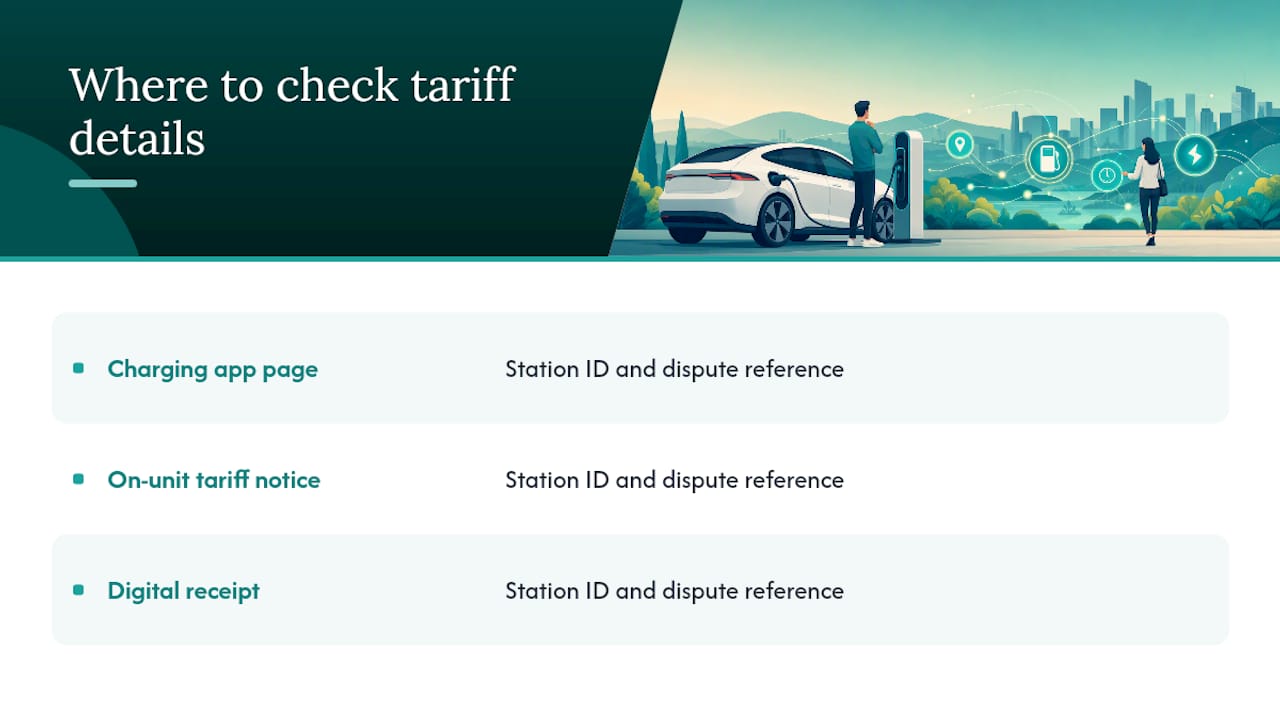
Check the station detail page in your charging app, the on-unit tariff notice, and your digital receipt for station ID and dispute reference.
Table of Contents
How idle fees ev charging systems detect and apply
Every idle fee follows the same basic sequence: session starts, charging runs, charging finishes (or your battery hits its threshold), a grace period passes, then idle billing kicks in. Two technical checks trigger this. The first is a power flow sensor, which detects when current to your battery drops to near zero. The second is a state-of-charge threshold, where the charger or your car’s onboard system signals that the battery is effectively full.
Behind the mechanism sits a simple business goal: operators want bays turning over quickly. An idle fee exists to encourage drivers to move on once charging is complete, because a car sitting on a rapid charger doing nothing blocks the next driver in the queue.
Session complete triggers the countdown, not the moment you arrive
Power flow sensors and state-of-charge thresholds are the two most common detection methods
The underlying goal is faster bay turnover, not simply extra revenue
Typical rates and how networks price idle time
Rates vary hugely depending on where you charge and how busy the site is. Rapid roadside chargers, particularly the DC fast chargers you’d find at a motorway services, tend to carry the steepest per-minute penalties because every occupied bay directly limits how many cars a network can serve per hour. Destination chargers at hotels, retail parks or workplaces, which are usually slower AC units meant for longer stays, often apply lower fees or skip idle charging altogether.
Busy rapid networks often charge idle fees toward the higher end of typical ranges once a grace period lapses
Destination and workplace AC chargers frequently charge little or nothing for idle time, since longer dwell times are expected
Some operators only activate idle fees during congestion, while others apply them at every site, all the time
Headline per-minute figures at busy rapid sites are commonly cited in the $0.40 to $1.00 range, though this varies by currency and market. A large rapid network operating in a congested urban corridor might charge its steepest rate only during peak hours, while a quieter destination host at a shopping centre may waive idle fees entirely because turnover isn’t a problem there. Always treat these as illustrative rather than fixed. The only reliable number is whatever your specific app or station tariff page shows before you start. Comparing that figure against a general EV charging price tracker can help you judge whether a stop is worth the cost.
When do idle fees start?
Two conditions have to be true before a network bills you for idle time: your session must be marked complete (or you’ve hit a preset charge threshold), and the grace period has to have expired. Grace periods aren’t standard. Many rapid chargers give you a short 5 to 15 minute window before billing starts, which sounds generous until you’re stuck in traffic on the way back to your car. More forgiving locations, often destination sites, sometimes stretch that to 30 or 60 minutes.
Session-complete detection plus an expired grace period are the two required triggers
Short grace windows of 5 to 15 minutes are common on busy rapid chargers
Some operators only enforce fees when the site is congested, or restrict them to scheduled peak windows
How to avoid idle charging penalties
Avoiding idle fees is mostly a matter of habit rather than luck. Build these into your routine and you’ll rarely see a surprise charge on your receipt.
Before you plug in: Open the app and check the tariff for that specific charger, since rates and grace periods differ even between two units at the same site. If you know you’re stopping for a meal or a long meeting, pick a destination charger with a longer grace period rather than a rapid unit built for quick turnover.
During charging: Turn on push notifications so your phone alerts you the moment the session finishes. At rapid chargers, setting your car’s charge limit to around 80% both speeds up your session and reduces how long you’re tempted to leave the car connected. Set a phone timer as a backup in case the app notification doesn’t land.
After charging: Move your car as soon as you’re able, and use the app to formally end the session or release the bay rather than assuming it closes automatically. If you’re planning a route with several stops, think ahead about what state of charge you’ll actually need. Arriving at a busy rapid charger already at 60% means less time plugged in and less risk of idle billing.
Apps that clearly display idle-fee thresholds and send alerts before the grace period runs out meaningfully cut down on disputes and surprise charges, so it’s worth checking whether your preferred network’s app actually does this before you rely on it.
What to do if you’re charged an idle fee incorrectly
Start with your digital receipt, which usually breaks down energy cost, session duration, idle minutes and the idle-fee total separately. That breakdown is your evidence and your starting point for any dispute.
Screenshot the receipt, note the station ID and exact timestamps
Check your notification log for any alerts (or the lack of one) around the time your session ended
Contact operator support with this evidence and ask them to check the station log directly
If that doesn’t resolve it, escalate through your payment provider or a consumer complaints route
Setting fair idle-fee policies as a host
If you manage chargers on a commercial site, a poorly designed idle-fee policy creates more friction than it solves. Start with a sensible grace period, tiered so fees only bite during genuinely busy periods rather than penalising every visitor equally. Publish your tariff clearly at the point of sale, in the app, and on the unit itself, so nobody starts a session blind.
Set a grace period that reflects genuine dwell-time needs at your site, not a blanket minimum
Tier fees by congestion rather than applying a flat rate around the clock
Display tariffs on-screen and confirm them before the session begins
Monitor occupancy data to decide where dynamic activation actually helps
Pro Tip: Sites with clear on-screen tariff disclosure and pre-session confirmation see fewer complaints and fewer chargeback disputes, because drivers know the rules before they plug in.
Why fair idle-fee policy matters to everyone
Driver convenience and host revenue aren’t opposing goals. A well-designed idle-fee policy that’s clearly signposted keeps bays turning over, which means more paying sessions and fewer frustrated drivers circling the car park. Transparent tariffs and proactive notifications cut disputes on both sides.
Get help managing charger policy and tariffs
Getting idle-fee policy right takes more than a good intention. It takes the right hardware, the right software, and signage that actually tells drivers what they’re paying for before they plug in.
Swiftcharging designs, installs and manages commercial EV charging infrastructure for UK businesses, and that includes the back-office software and payment systems that make tariff disclosure and idle-fee enforcement straightforward rather than a source of complaints. Whether you’re running a hotel car park, a workplace scheme or a fleet depot, we help you set grace periods and fee tiers that suit your actual footfall, not a generic default. Fleet operators weighing the full cost picture around vehicle uptime may also find value in pay-as-you-go vehicle cover as part of that wider operational planning. If you’re considering a new installation or want to review how your existing chargers handle tariffs and turnover, get in touch about commercial EV charging installation in Eastbourne and we’ll talk you through what fits your site.
Sources
Recommended